How to use Auckland Libraries (and borrow Korean books)
오클랜드 도서관 이용방법 (한국책 대출까지)
A plain guide to Auckland Libraries for Korean families: how to join for free, search the catalogue, place a hold, pick up your books, and borrow Korean-language titles, eBooks, and audiobooks.
오클랜드 도서관 무료 회원가입부터 도서 검색, 예약, 픽업, 그리고 한국어 책·전자책·오디오북 대출까지 쉽게 정리한 안내입니다.
Last reviewed 15 Jul 2026
Images in this guide are illustrative, not photos of any real business. 이 가이드의 이미지는 참고용이며, 실제 업체의 사진이 아닙니다.
In this guide · 이 가이드 목차
Auckland Libraries is one of the best-value things you get as an Auckland resident: free membership, dozens of branches, a large catalogue including Korean-language books, and eBooks and audiobooks you can borrow from your phone. This is a plain, step-by-step guide for Korean families — how to join, search, reserve, and pick up, and where to find the Korean titles.
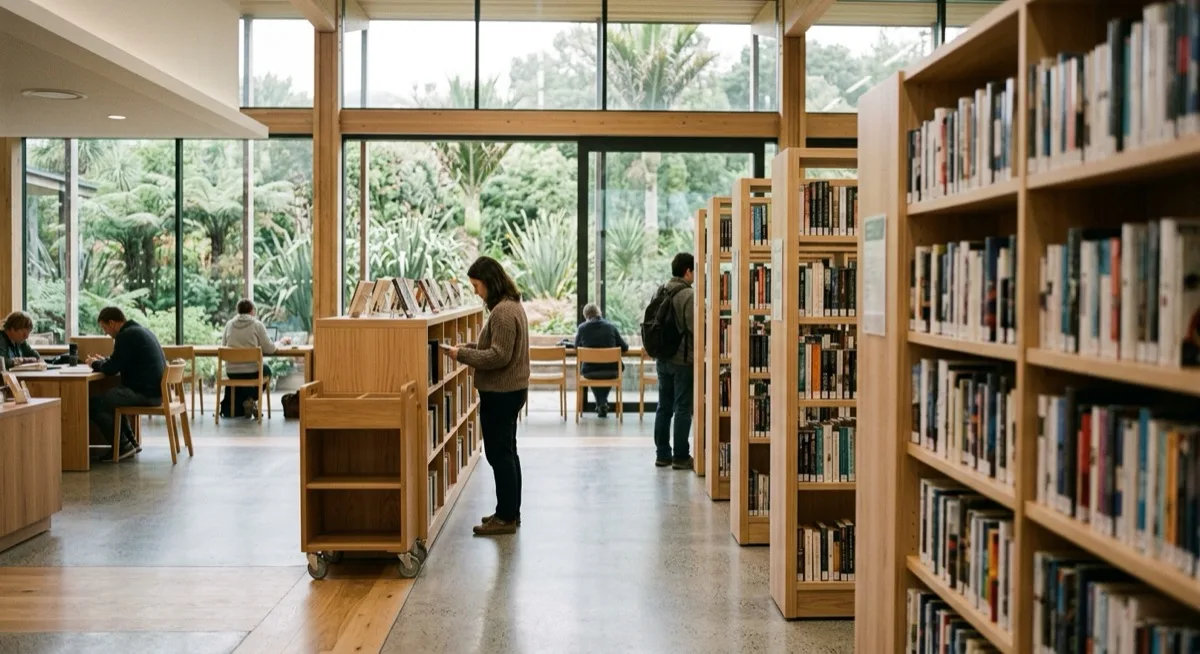
Join the library (free)
Membership is free for anyone who lives in or owns property in Auckland. You confirm this yourself when you sign up (you tick that you live or own property in Auckland) — there’s no utility bill or tenancy paperwork to bring. What you do need is photo ID: a driver licence, passport, Kiwi Access (18+) card, or RealMe verified identity.
There are two ways to start:
- Join online — the fastest option. You can register in a few minutes and immediately use eBooks, audiobooks, and online resources. To borrow physical books, visit any Auckland Council library with your photo ID to collect your library card.
- Join in person — bring your photo ID to any branch and a staff member will set you up on the spot.
Children can be enrolled too; a parent or caregiver signs them up.
Find a book: the catalogue and the app
Everything the libraries hold is searchable in one place — the online catalogue and the Auckland Libraries app (the same account works across both). Search by title, author, or subject, and each result shows which branches hold a copy and whether it’s on the shelf now.
The app is the easiest way to manage everything on your phone: search, place holds, see what’s ready to collect, and track your due dates in one screen.
Borrowing Korean books
Auckland Libraries holds a Korean-language collection. In the catalogue you can filter or search by language to see Korean titles specifically, and branches in areas with more Korean residents — the North Shore especially — tend to carry more Korean stock on the shelf.
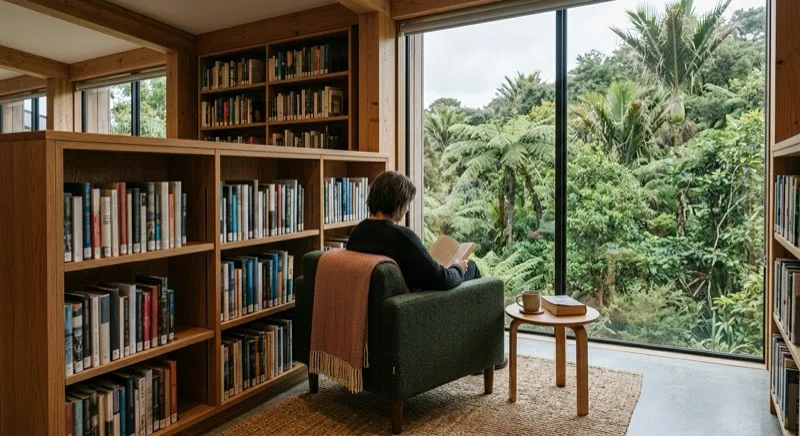
Our Korean books shelf
Scattered across dozens of branches, the Korean collection can be hard to browse. So we’ve done the digging for you: our Korean books shelf gathers Korean-language titles that are held at Auckland Libraries into one place you can actually read through. Every book links straight to its borrow page in the catalogue, so once you’ve found something you like, you’re one click from placing a hold. You’ll find a live selection at the bottom of this guide.
A few ways it helps:
- Curated picks — hand-chosen titles worth reading, not a raw dump of everything.
- Trending in Korea — books that are popular in Korea right now and available to borrow here, so you can keep up from Auckland.
- Browse by genre — filter fiction, essays, self-development, children’s books, and more.
- Straight to the shelf — each title carries a direct link to borrow it at Auckland Libraries.
Looking for something to read in Korean? Start on our Korean books shelf — then use the reserve-and-pickup steps below to have it sent to your nearest branch.
Reserve and pick up (place a hold)
You don’t have to travel to whichever branch has the book — you request it and collect it where it suits you:
- Find the title in the catalogue or app and choose Request (place a hold).
- Pick the library branch you want to collect it from.
- When it arrives, you get an email telling you it’s ready.
- Go to that branch’s holds pick-up area and find your item on the numbered shelf shown in the email.
- Collect it by the date in the email (usually about a week), then borrow it at the self-checkout or the desk.
This is the single most useful habit for Korean readers: a title that’s only on the shelf at a North Shore branch can be sent to your local library to collect.
Renew, limits, and returning
- Limits: most items are free to borrow and you can have a large number out at once (up to 35 at the time of writing — check the current limits on the official page).
- Renew: if no one else has requested the item, you can usually renew it in the app or online to keep it longer.
- Return: drop items at any Auckland Council library, not only the one you borrowed from — many branches also have an after-hours returns slot.
Loan periods and any charges can change, so confirm the current details on the official site rather than relying on a fixed number here.
eBooks and audiobooks
If you’d rather read on a screen, Auckland Libraries lends eBooks and audiobooks through the Libby / OverDrive app. Sign in with your library card, borrow with a tap, and read or listen on your phone or tablet — there’s nothing to physically return, and holds work the same way. The collection includes Korean-language titles.
Sources
This guide is based on the official Auckland Libraries pages: Join the library, Borrowing and requesting items, and the Libby / OverDrive collection. Membership rules, loan limits, and loan periods are set by Auckland Council and can change — always confirm the current details on the official site.
Browse our directory: find your nearest Korean services in Auckland and on the North Shore, and see our curated Korean books shelf. Run a Korean business we’ve missed? Submit a listing. It’s free.
한국어: 오클랜드 도서관은 오클랜드 거주자가 누릴 수 있는 가장 가성비 좋은 혜택 중 하나입니다. 회원가입은 무료이며, 온라인으로 몇 분 만에 가입하면 전자책·오디오북을 바로 이용할 수 있고, 실물 책 대출은 신분증(사진 ID)을 가지고 지점을 방문해 카드를 받으면 됩니다. 원하는 책은 카탈로그나 앱에서 검색해 예약(hold)을 걸고, 픽업할 지점을 골라 두면 준비되었을 때 이메일로 알려줍니다 — 책은 해당 지점 예약 선반의 번호 자리에 놓입니다(보통 약 일주일 내 픽업). 한국어 책은 카탈로그에서 언어별로 검색할 수 있고, 한인이 많은 노스쇼어 지점에 더 많습니다. 대출 가능한 한국책은 우리 한국어 책 페이지에서 골라 바로 연결하세요. 전자책·오디오북은 Libby / OverDrive 앱에서 도서관 카드로 로그인해 빌릴 수 있습니다. 대출 한도·기간은 바뀔 수 있으니 최신 정보는 오클랜드 도서관 공식 사이트에서 확인하세요.
Korean books to borrow · 한국어 책
전체 보기 · All books →오클랜드 도서관에 있는 한국어 책. 표지를 누르면 바로 대출 페이지로 연결됩니다.
-
강아지 ㄱㄴㄷ
Kangaji kiyŏk niŭn tigŭt
글·그림: 김재영
도서관에서 빌리기 →
-

다 같이 비빔밥
Ta kach'i pibimbap
글: 표영민
도서관에서 빌리기 →
-

뿅! 기저귀 잘 가
Ppyong! kijŏgwi chal ka
바네사 페레스-사우키요
도서관에서 빌리기 →
-
알사탕 :백희나 그림책
Alsat'ang
백희나
도서관에서 빌리기 →
-
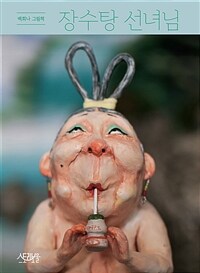
장수탕 선녀님 :백희나 그림책
Changsut'ang sŏnnyŏnim
백희나
도서관에서 빌리기 →
-

빨주노초파남보
Ppalchunoch'op'anambo = Rainbow colors
잘웃는토끼 (지은이)
도서관에서 빌리기 →
-
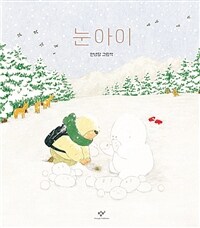
눈아이 :안녕달 그림책
Nun ai
지은이: 안녕달
도서관에서 빌리기 →
-

괜찮아
Kwaenchʻanna
최숙희
도서관에서 빌리기 →
자주 묻는 질문 · FAQ
- How do I join Auckland Libraries?
- Membership is free for people who live in or own property in Auckland — you confirm that yourself on the form, so there's no proof-of-address document to bring. You do need photo ID: a driver licence, passport, Kiwi Access (18+) card, or RealMe verified identity. Join online in a few minutes to start using eBooks and online resources straight away, then visit any Auckland Council library with your photo ID to collect your card and borrow physical books. You can also sign up in person at any branch. 오클랜드에 거주하거나 부동산을 소유한 사람은 무료로 회원이 될 수 있으며, 이는 가입 시 본인이 체크하는 방식이라 주소 증명 서류는 따로 필요 없습니다. 대신 사진이 있는 신분증(운전면허증, 여권, Kiwi Access(18+) 카드, 또는 RealMe 인증)이 필요합니다. 온라인으로 가입하면 전자책·온라인 자료를 바로 이용할 수 있고, 이후 신분증을 가지고 아무 오클랜드 카운슬 도서관을 방문해 카드를 받아 실물 책을 대출하면 됩니다. 지점에서 바로 가입하는 것도 가능합니다.
- How do I reserve (place a hold on) a book?
- Search the Auckland Libraries catalogue or the app, open the title you want, and place a request (hold). You choose which library to collect it from. When it's ready you get an email, and the item waits for you on a numbered holds shelf at that branch — collect it by the date in the email. 오클랜드 도서관 카탈로그나 앱에서 원하는 책을 검색해 예약(hold)을 걸면 됩니다. 픽업할 도서관 지점을 직접 고를 수 있고, 준비가 되면 이메일로 알려줍니다. 책은 해당 지점의 번호가 매겨진 예약 선반에 놓이며, 이메일에 적힌 날짜까지 찾아가면 됩니다.
- Where can I find Korean books at Auckland Libraries?
- Auckland Libraries holds a Korean-language collection you can search in the catalogue by language, and branches in areas with more Korean residents (such as the North Shore) tend to carry more Korean stock. We also curate borrowable Korean titles on our own books page so you can go straight to the borrow link. 오클랜드 도서관에는 한국어 장서가 있으며, 카탈로그에서 언어별로 검색할 수 있습니다. 한인이 많이 거주하는 지역(예: 노스쇼어) 지점에 한국책이 더 많은 편입니다. 우리 [한국어 책 페이지](/books)에서 대출 가능한 한국책을 골라 바로 대출 페이지로 연결할 수도 있습니다.
- Can I borrow Korean eBooks and audiobooks?
- Yes. Auckland Libraries lends eBooks and audiobooks through the Libby / OverDrive app, which you sign in to with your library card. It includes Korean-language titles, and you can read or listen on your phone or tablet with nothing to return. 네. 오클랜드 도서관은 Libby / OverDrive 앱을 통해 전자책과 오디오북을 대출합니다. 도서관 카드로 로그인하면 되고, 한국어 책도 포함되어 있어 휴대폰이나 태블릿으로 읽거나 들을 수 있으며 반납할 필요가 없습니다.
- How many books can I borrow, and is it free?
- It's free to borrow most items, and you can have a large number out at once (up to 35 at the time of writing — check the current limits on the official page). Placing holds is also free. Loan periods and any charges can change, so confirm the current details with Auckland Libraries. 대부분의 자료는 무료로 대출하며, 한 번에 여러 권(작성 시점 기준 최대 35권 — 최신 한도는 공식 페이지에서 확인)을 빌릴 수 있습니다. 예약도 무료입니다. 대출 기간이나 요금은 바뀔 수 있으니 최신 정보는 오클랜드 도서관에서 확인하세요.
관련 가이드 · Related guides
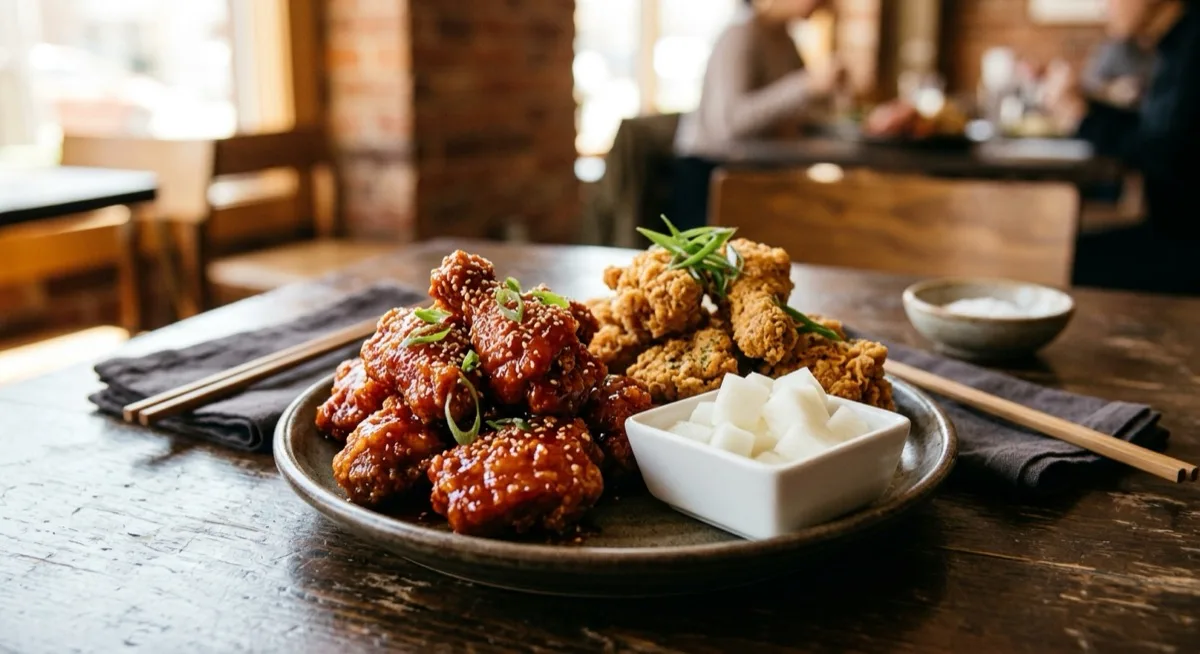
Korean fried chicken in Auckland: 14 spots, by area
14 places to eat Korean fried chicken in Auckland, by area — plus what makes it different, the sauces and cuts to order, and what comes with it.
Last reviewed 16 Sept 2026
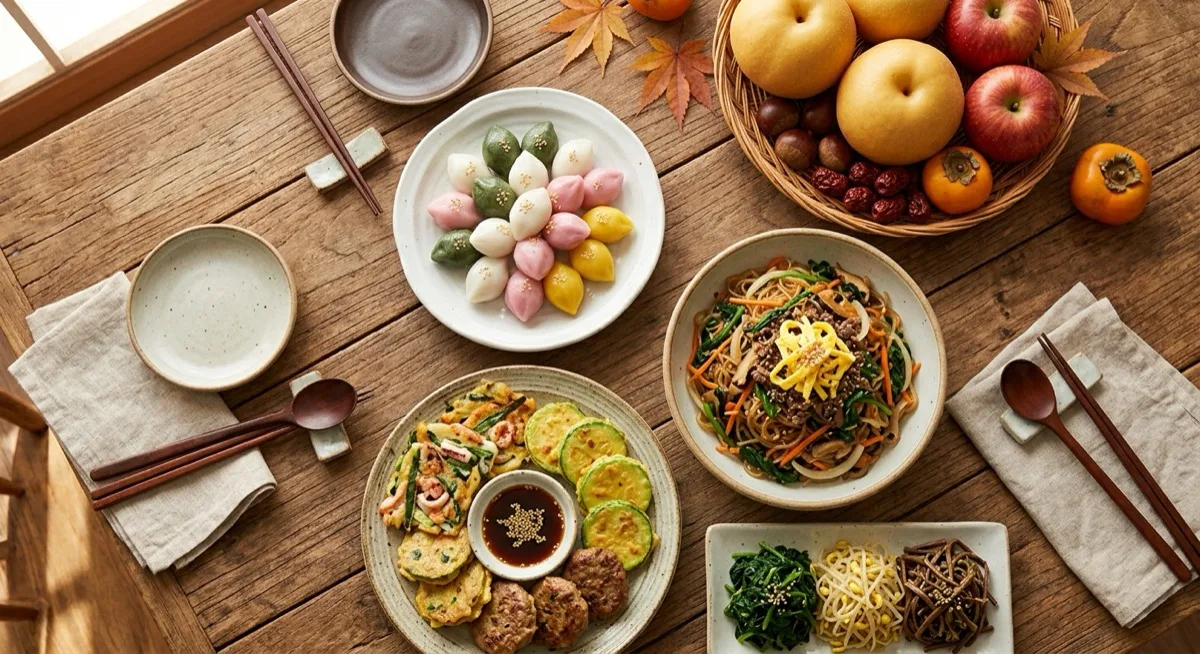
뉴질랜드 추석·설 장보기: 명절 상차림 재료와 선물, 어디서 사나
Chuseok and Seollal in NZ: what to buy for the holiday table, and where
뉴질랜드에서 추석과 설을 준비하는 분들을 위한 장보기 안내입니다. 송편·전·잡채·나물·갈비·떡국 등 명절 상차림 재료와 선물세트, 빨리 품절되는 품목, 그리고 검증된 한인마트와 전국 배송 온라인 식품점에서 구하는 방법을 정리했습니다.
Last reviewed 15 Sept 2026

Korean grocery stores and marts in NZ: 24 verified, by area
Twenty-four Korean grocers, marts and butchers we have verified — in Auckland, Tauranga, Christchurch, Nelson, Queenstown and Dunedin — plus the staples worth knowing.
Last reviewed 15 Sept 2026